
Quick Search Widget
Tools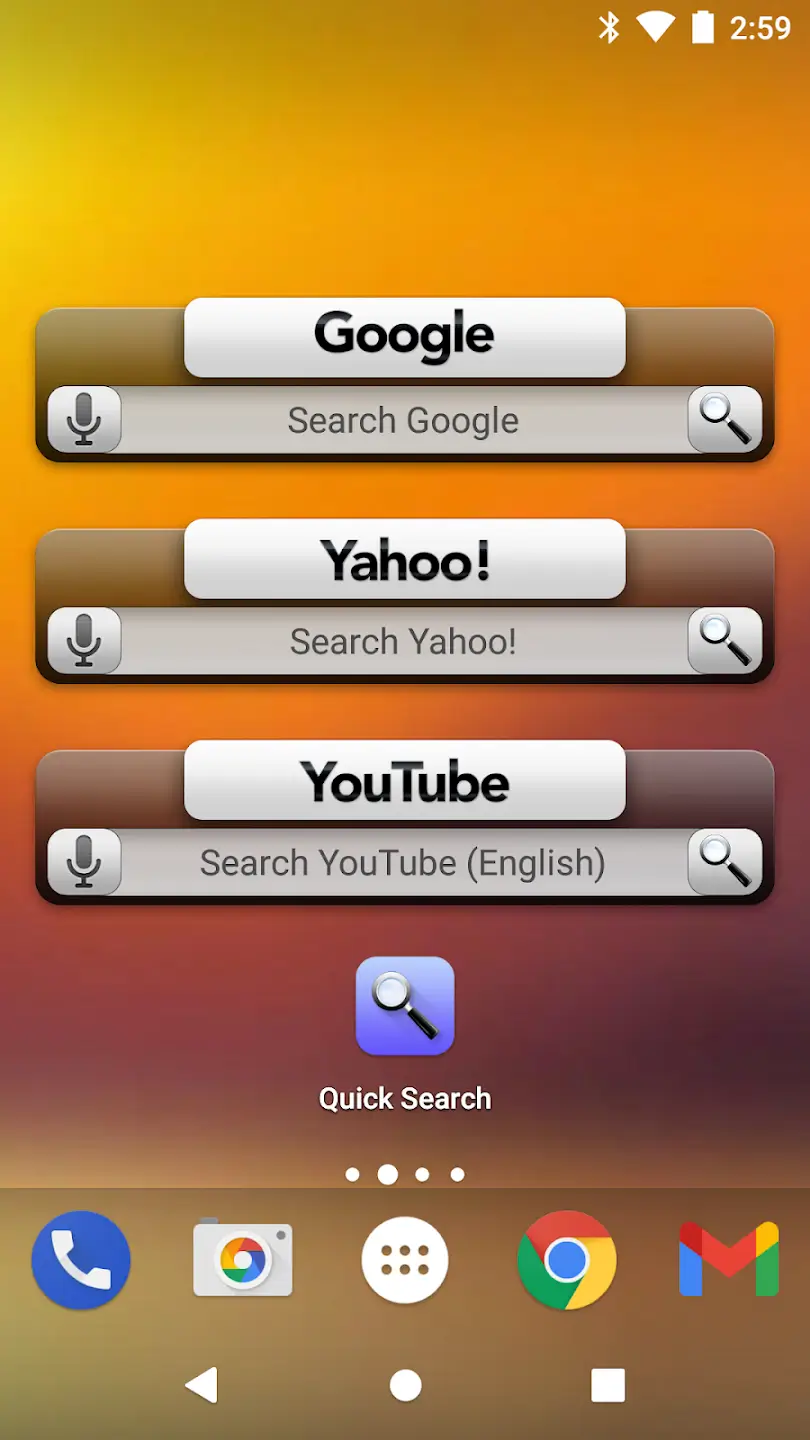
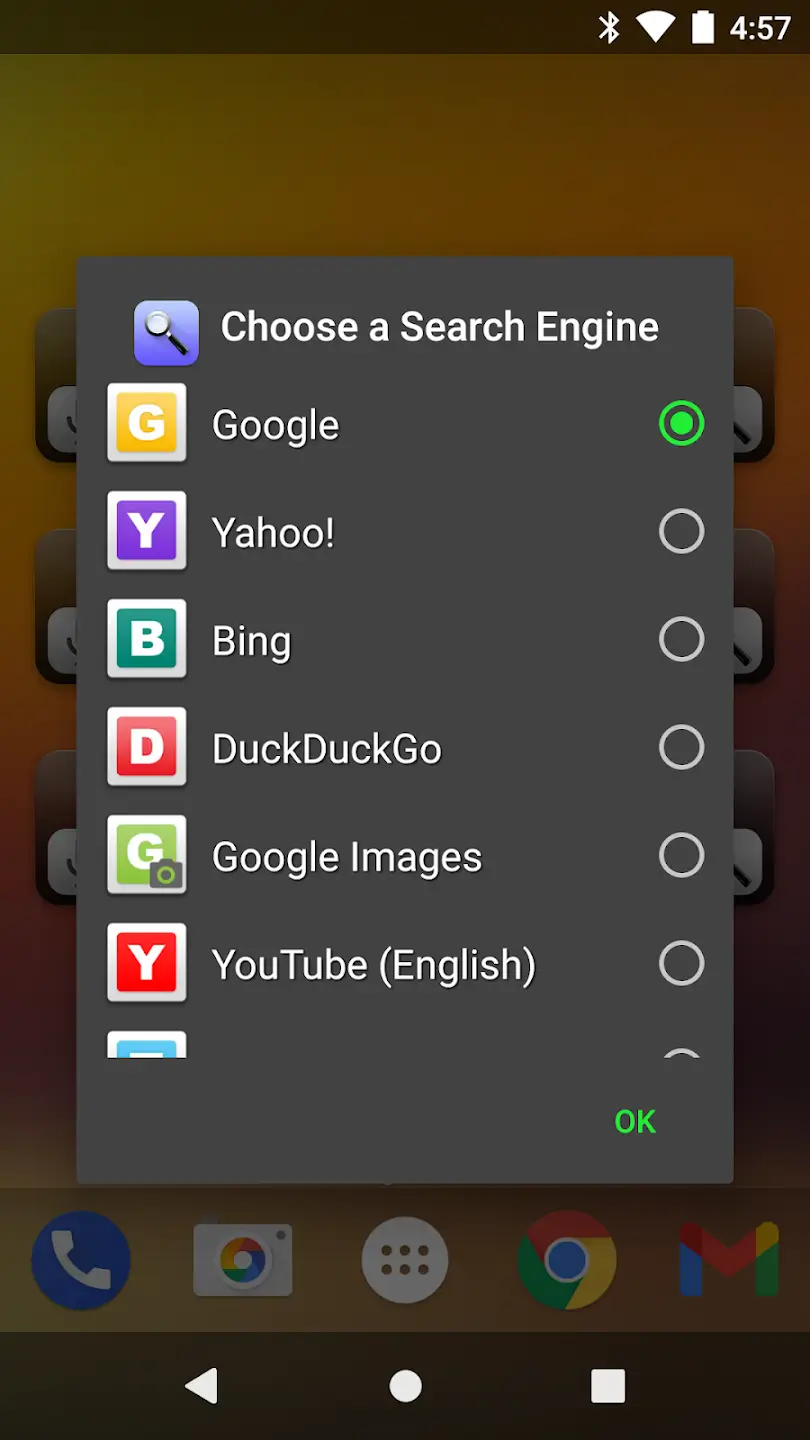
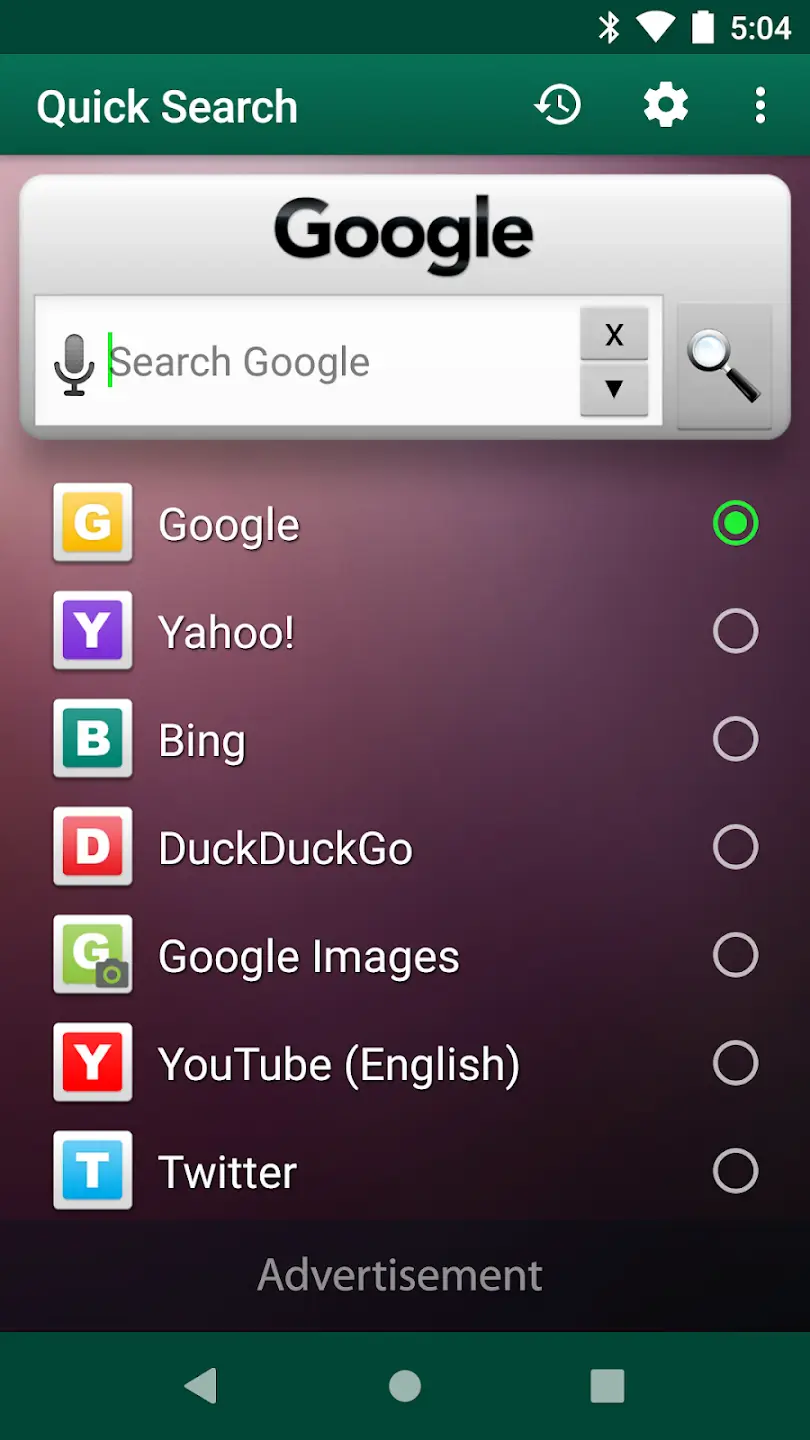
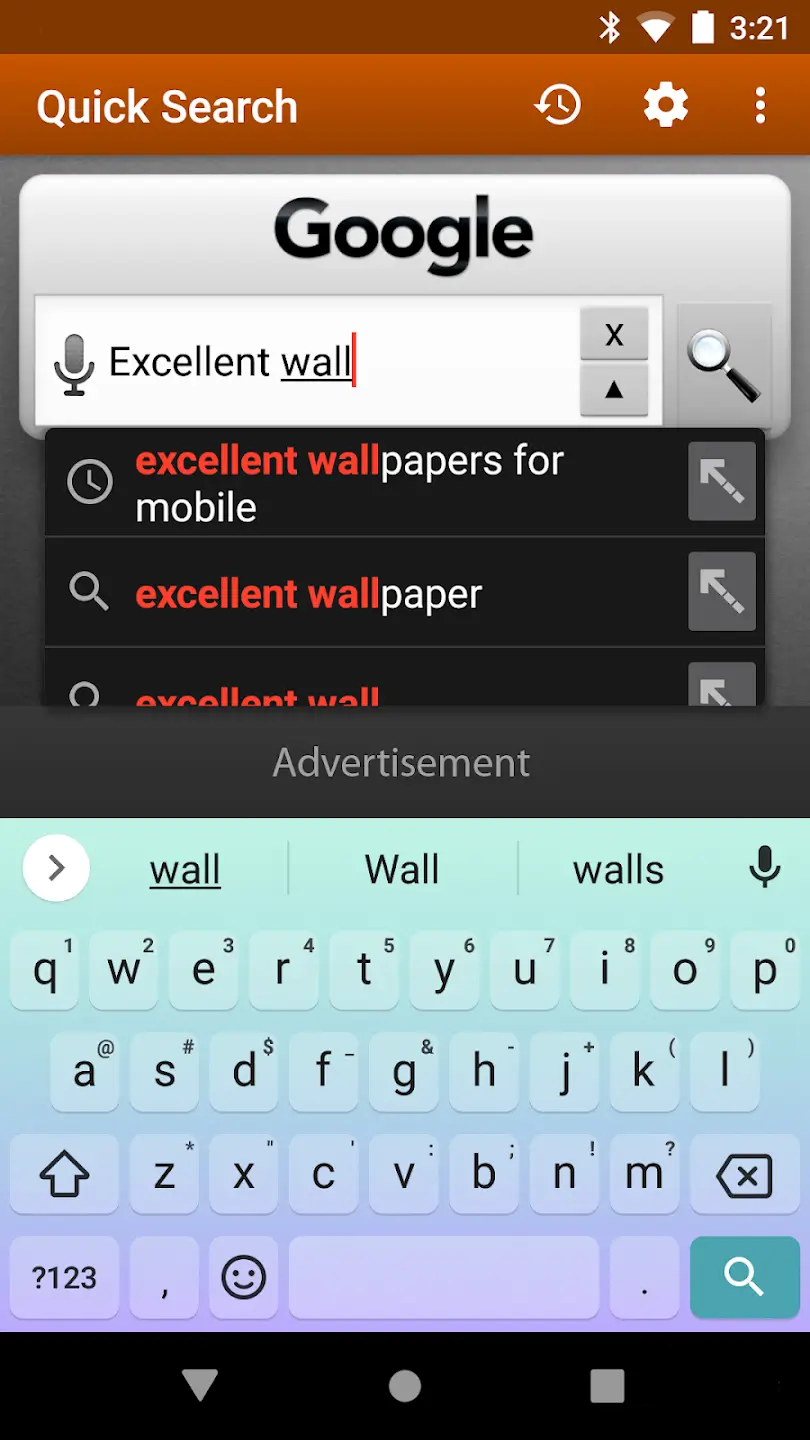
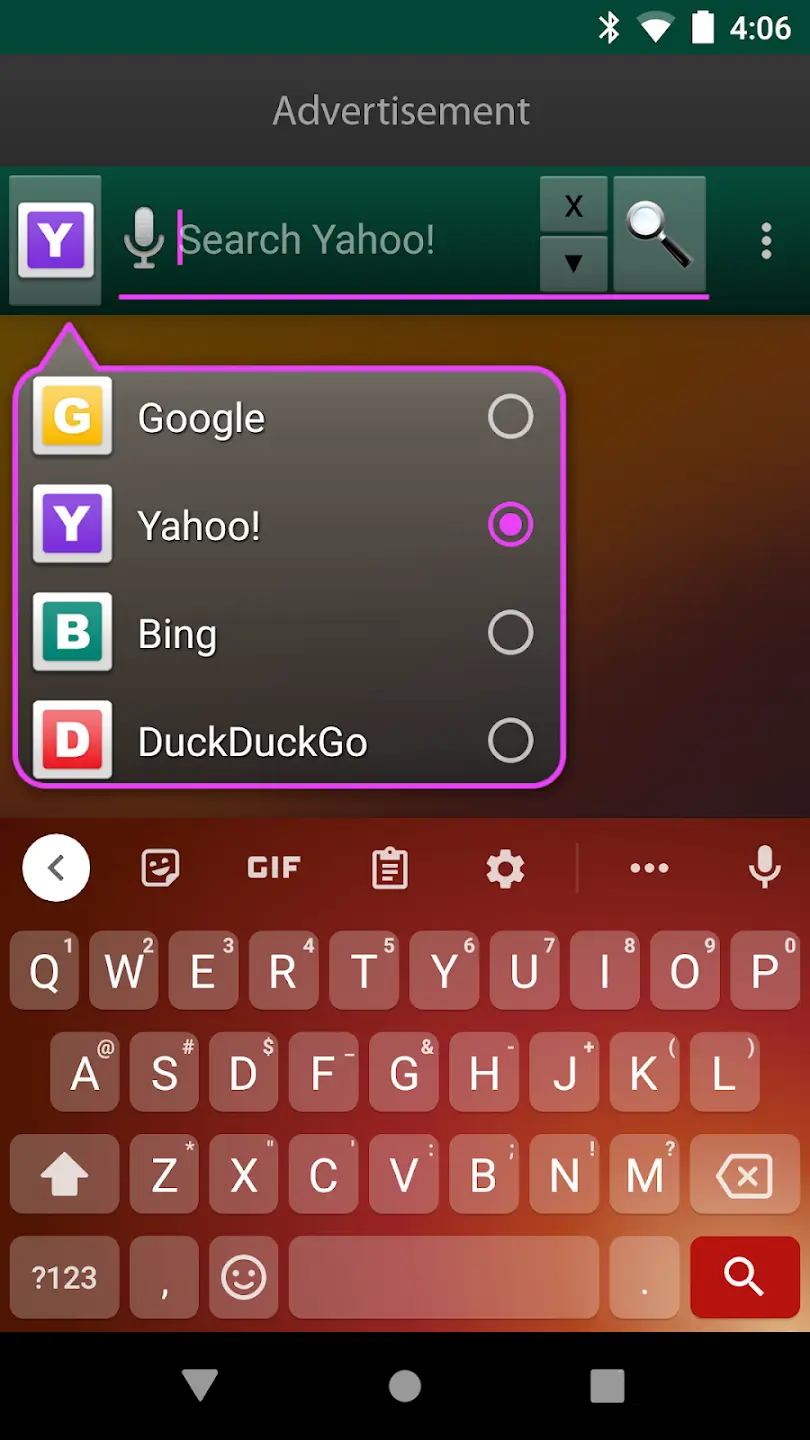
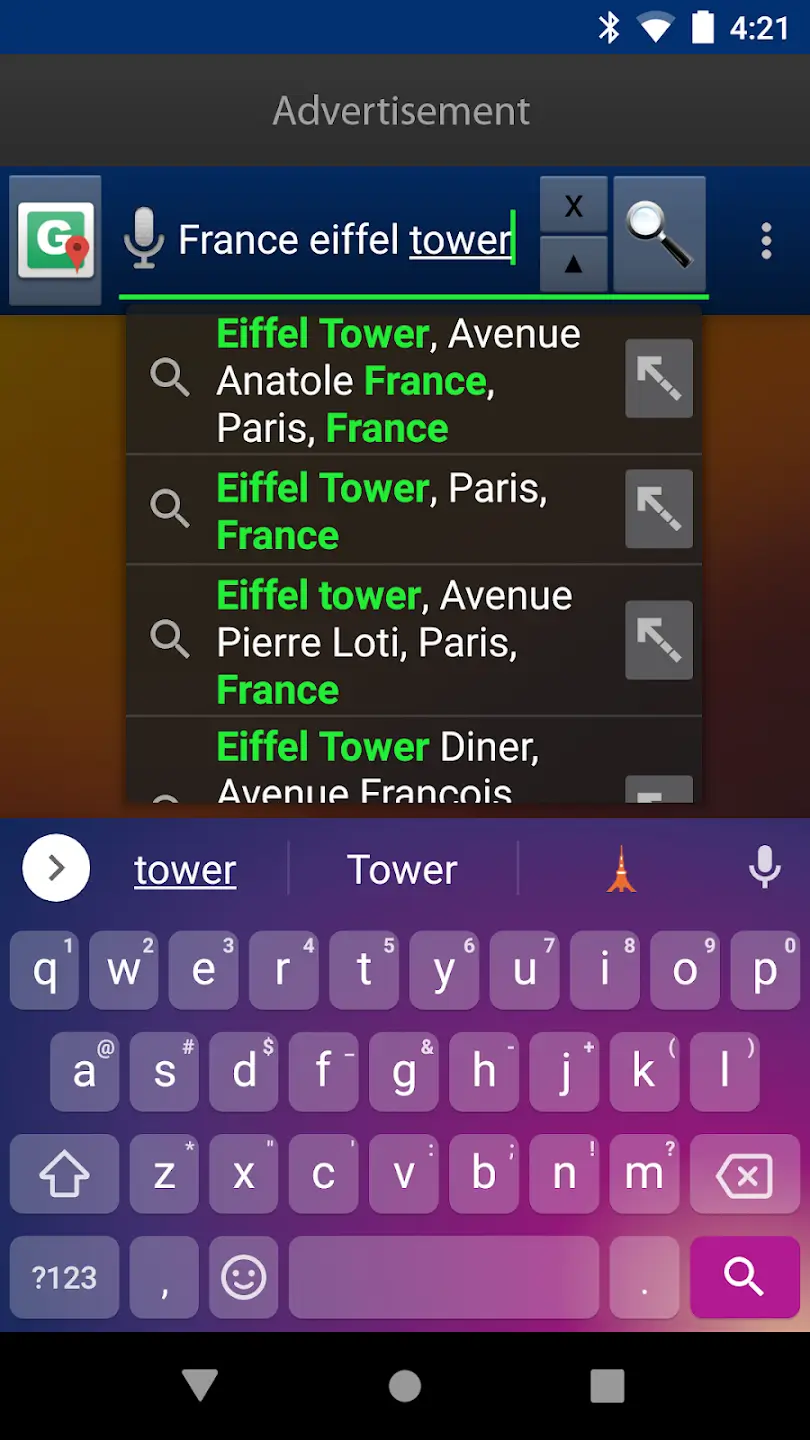

Quick Search Widget is a lightweight utility that places a searchable bar directly on your Android home screen. Once installed, the widget lets you type queries and launch results without opening a separate app, saving time for everyday browsing.
This page covers the latest version details, installation steps, compatibility notes, and practical troubleshooting advice. All information is based on the official APK package and does not assume any modified builds.
Quick Information
| App/Game Name | Quick Search Widget |
| Latest Version | 6.1 |
| Developer | Not listed |
| Category | Apps / Tools |
| App Size | 3.45 MB |
| Package Name | net.ozmium.QuickSearch |
| Last Updated | 1 October 2026 |
What Is Quick Search Widget?
Quick Search Widget provides a simple, always‑available search field that integrates with the default Android search provider. It is designed for users who want instant access to web or local content without navigating through menus or opening a browser first.
The widget works on most Android launchers that support standard widgets. Its core features include a minimal UI, fast query handling, and the ability to resize the widget to fit different screen layouts. It does not include additional services like voice search or deep‑linking to specific apps.
Compatibility
| Android Version | Not Verified |
| Architecture (ARM64 / 32-bit) | Not Verified |
| Internet Connection | ✓ Verified — May be required for ads, updates, or login |
| Storage Needed | Not Verified |
| OBB/Data Files | Not Verified |
| Root Required | Not Verified |
How to Install
- Download the Quick Search Widget APK from a trusted source.
- On your device, open Settings → Security and enable Install unknown apps for the browser or file manager you used.
- Locate the downloaded APK file (usually in the
Downloadsfolder) and tap it. - Follow the on‑screen prompts to complete the installation.
- Return to the home screen, long‑press an empty space, choose Widgets, and add the Quick Search Widget to your layout.
Troubleshooting
- App not installed: Ensure the APK is fully downloaded and that the “unknown sources” permission is enabled for the installing app.
- Widget does not appear: Verify that your launcher supports standard widgets and that you have added the widget from the widget picker.
- Crashes on launch: Clear the app’s cache via Settings → Apps → Quick Search Widget → Storage → Clear cache, then restart the device.
- Search results are empty: The widget relies on the system’s default search engine. Check that a default search provider is set in the device’s settings.
- MOD features not working: This is the official build; no MOD features are included.
How Quick Search Widget Compares
| Feature | Quick Search Widget | Google Search Widget | Nova Launcher (Search integration) |
|---|---|---|---|
| Price / Model | Free | Free | Free (basic) / Paid for premium features |
| Platform Availability | Android | Android | Android |
| Standout Feature | Ultra‑small footprint (3.45 MB) and instant search bar | Deep integration with Google services | Highly customizable launcher with built‑in search |
| Best For | Users who want a dedicated search widget without extra bloat | People who rely on Google’s ecosystem for search | Power users who customize every aspect of their home screen |
Alternatives
- Google Search Widget – Provides Google‑powered search directly from the home screen, with voice search and personalized results.
- Microsoft Launcher – Includes a built‑in search bar that connects to Bing and Microsoft services, plus extensive customization options.
- Nova Launcher – While primarily a launcher, its search integration offers fast app and web queries alongside a highly customizable UI.
Final Verdict
Quick Search Widget is a solid choice for anyone who wants a minimal, fast‑acting search field without extra features or large file sizes. It works on most Android launchers, installs easily, and respects the device’s default search settings. Because it is an official build, there are no MOD‑specific risks, but users should still download from reputable sources and review requested permissions.
Frequently Asked Questions
The APK is a standard, unmodified build; install it from a reputable source and review the permissions it requests.
The widget works on Android 5.0 (Lollipop) and newer, though newer versions provide smoother performance.
Long‑press an empty area on the home screen, select Widgets, then choose Quick Search Widget and place it where you like.
No root is required; the widget only needs standard widget permissions and access to the default search provider.
Make sure the APK is fully downloaded, enable installation from unknown sources for the installer, and verify the file isn’t corrupted.
Yes, any launcher that supports standard Android widgets can host Quick Search Widget.
The official build is free and does not offer a paid tier or additional features.
Updates to Android can sometimes change widget behavior; if the widget stops working, check for an updated APK version.